
Small business owners often handle enquiries through a mix of phone calls, email threads, and handwritten notes. This fragmented approach makes it hard to track conversations, respond quickly, and spot patterns that could improve sales. By moving every enquiry into a single digital workflow you gain visibility, speed, and data that can be used for marketing and product decisions. The following steps show how to design a system that fits a modest budget and a growing team. A well structured digital enquiry process also reduces the chance of lost leads and gives you a clear audit trail for compliance. When the system is built on familiar platforms such as WordPress or Shopify, implementation can be done without hiring a dedicated developer.
Why Digitising Enquiries Matters
Centralising enquiries creates a single source of truth for every prospect interaction. Instead of searching through inboxes or call logs, your team can open one dashboard and see the full history. Faster response times become realistic because notifications arrive instantly and can be routed to the right person. The data you collect — source, timestamp, product interest — feeds directly into marketing reports and helps you allocate budget where it performs best. As the business grows, a digital system scales without the need to hire additional administrative staff for manual logging.
Mapping Your Current Enquiry Channels
Identify Every Touchpoint
Start by listing every way a customer can reach you today. Common channels include a main phone line, a generic email address, contact forms on the website, direct messages on social platforms, live chat widgets, and walk‑in visits. Do not forget secondary routes such as a support email, a sales‑specific inbox, or a messaging app used by a specific team member. Write each channel down and note who currently monitors it.
Measure Volume and Response Time
For each channel capture two numbers: how many enquiries arrive per week and the average time it takes to send a first reply. A simple spreadsheet works for this audit. Channels with high volume but slow response are prime candidates for automation. Channels with low volume but high conversion may deserve a dedicated human touch. This baseline tells you where the biggest gains lie.
Choosing the Right Digital Tools
Contact Forms That Convert
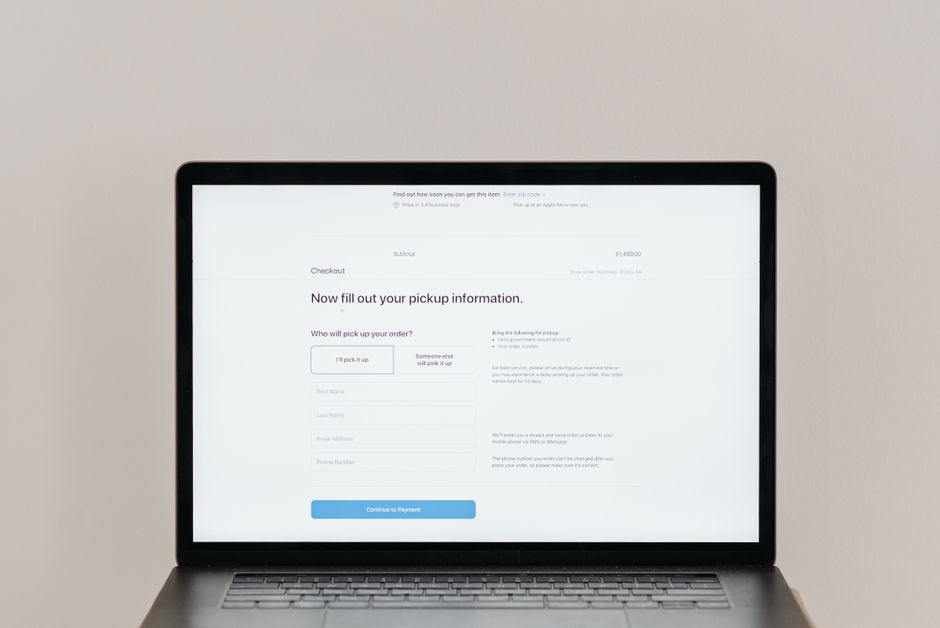
A well designed form is the front door of your digital enquiry system. Keep the field count low — name, email, phone optional, and a single dropdown for enquiry type. Use clear labels and placeholder text that shows the expected format. Enable client‑side validation so users see errors before submission. Add a lightweight CAPTCHA or honeypot field to block bots without frustrating real visitors. After submission redirect to a thank‑you page that confirms receipt and sets expectations for reply time.
Live Chat and Chatbot Options
Live chat gives visitors an instant line to a human operator during business hours. If staffing is limited, a rule‑based chatbot can handle FAQs, collect basic details, and create a ticket in your CRM for follow‑up. Choose a solution that integrates with the same CRM you use for forms and email so every conversation lands in one place. Configure the chat widget to appear only on high‑intent pages such as pricing, product detail, or contact pages to avoid unnecessary interruptions.
Integrating a CRM for Centralised Data
A customer relationship management tool becomes the hub where form submissions, chat transcripts, and email threads converge. Popular choices for small businesses include HubSpot Free, Zoho CRM, and ActiveCampaign. Map each enquiry source to a lead source field so you can report on channel performance. Set up automatic lead creation rules: a form submission creates a new contact and a deal stage of “New Enquiry”. Chat conversations that end with a captured email should trigger the same workflow.
Automating Follow Up and Qualification
Set Up Auto Replies
Immediate acknowledgement builds trust. Configure an automated email that thanks the prospect, repeats the enquiry type they selected, and states the expected response window — for example, “We will reply within two business hours”. Include a link to a knowledge base or FAQ that may answer common questions while they wait. Keep the tone professional but friendly; avoid generic “no‑reply” addresses.
Lead Scoring Basics
Not every enquiry deserves the same urgency. Create a simple scoring model: add points for high‑value product interest, for a business email domain, for a phone number provided, and for a previous website visit tracked by a cookie. Leads that cross a threshold can be routed to a senior sales rep, while lower scores stay in a nurture sequence. Review the scoring rules monthly and adjust weights based on actual conversion data.
Training Your Team for the New Workflow
Introduce the new system with a short workshop that walks through the end‑to‑end journey: form submission, CRM entry, auto reply, assignment, and follow‑up. Provide a one‑page cheat sheet that shows the dashboard views each role will use. Run a few live drills where a test enquiry is submitted and the team practices responding within the target window. Encourage feedback on any friction points and iterate the process before you go live to customers.
Measuring Success and Iterating
Key Metrics to Track
- Average first response time per channel
- Enquiry to qualified lead conversion rate
- Total enquiry volume by source
- Customer satisfaction score from post‑interaction surveys
- Percentage of enquiries resolved without escalation
Continuous Improvement Loop
Schedule a monthly review meeting to examine the metrics above. Identify the channel with the longest response time and test a new automation rule or additional staffing. Look for form fields that cause drop‑offs and simplify them. If a chatbot frequently hands off to a human for the same question, add that answer to the bot’s knowledge base. Document each change and its impact so the team sees a clear cause‑effect relationship.
Common Pitfalls to Avoid
- Building overly complex forms that discourage submission
- Ignoring mobile users — test every form and chat widget on a phone
- Failing to back up CRM data regularly; a single export failure can erase months of leads
- Neglecting data privacy regulations such as GDPR or CCPA when storing enquiry details
- Setting auto‑reply expectations that the team cannot meet consistently
Start with a single channel, measure the results, then expand the digital enquiry system step by step. Over time the workflow becomes a reliable engine for growth, giving you the insight and speed needed to turn more enquiries into loyal customers.